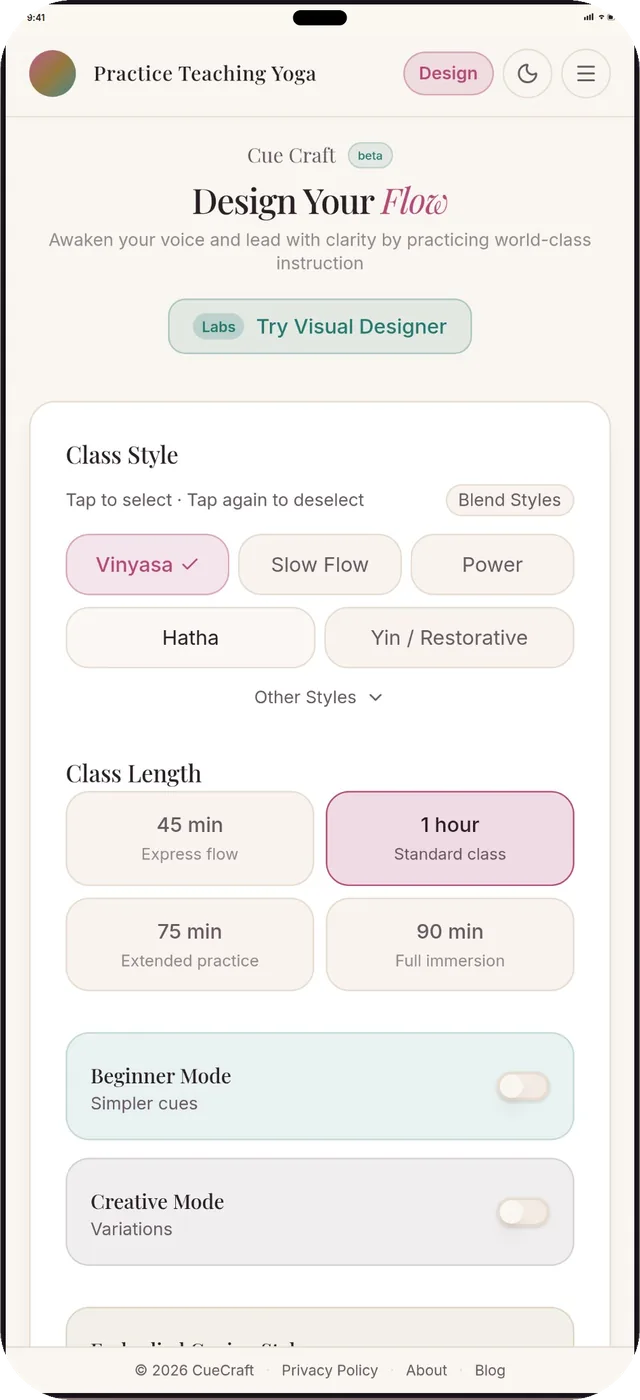
Set the class in four taps
Style, length, vibe, peak. That's the whole brief. Choose from Vinyasa, Hatha, Power, Slow Flow, Yin and more.
For yoga teachers
Pick a peak pose, a style and a length. CueCraft builds the whole arc with transition cues you can say out loud. Plan on the couch, rehearse on your mat.
Open CueCraftAvailable now in your browser. Plan your class and practice teaching it.
iPhone and Android apps are coming. Optional store launch updates.
Web app available nowBuilt from dedicated practice and 500-hour certificationPlan, cue and rehearse
Why a phone
Build the whole arc in the green room, before your students hit the mat.
Sketch the week from the couch and save each flow to your library.
Prop the phone at the top of your mat and run it. The timing lands in your body.
What it does
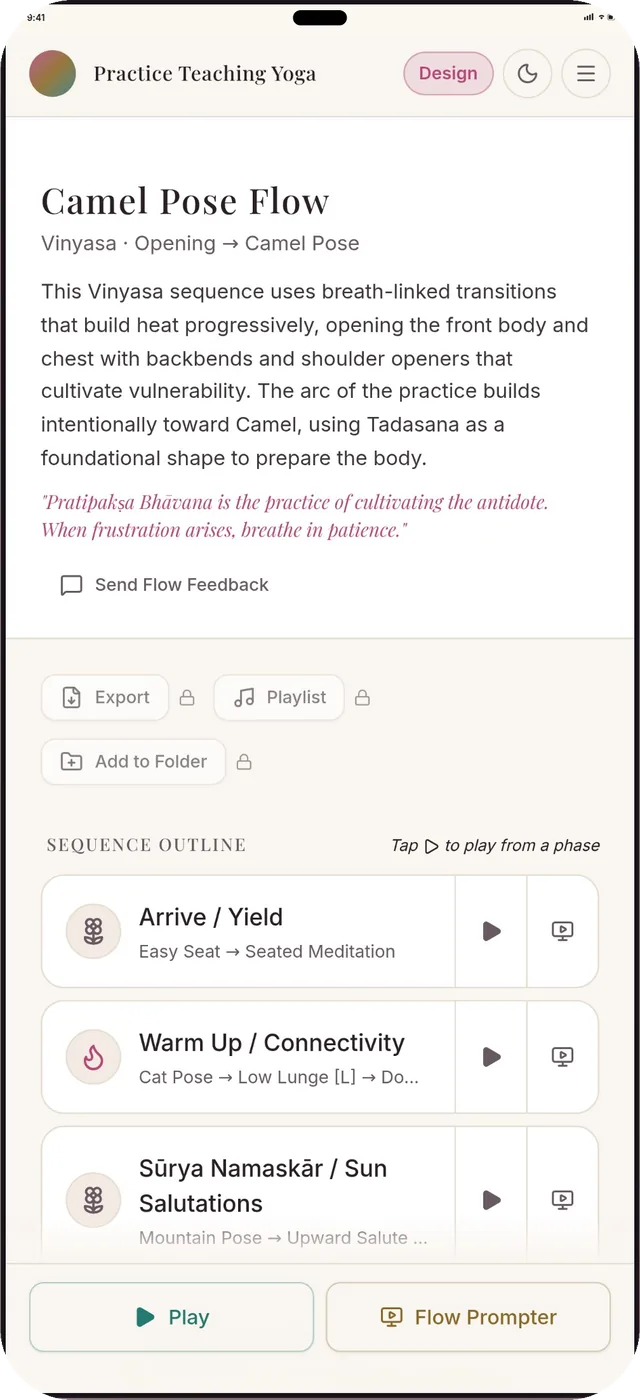
Every flow is sequenced the way a teacher would do it. It has an arc, real transitions, and cues written to be spoken.
Style, length, vibe, peak. That's the whole brief. Choose from Vinyasa, Hatha, Power, Slow Flow, Yin and more.
Arrive, warm up, build to your peak, then land. Every phase is laid out, and you can play from any one.
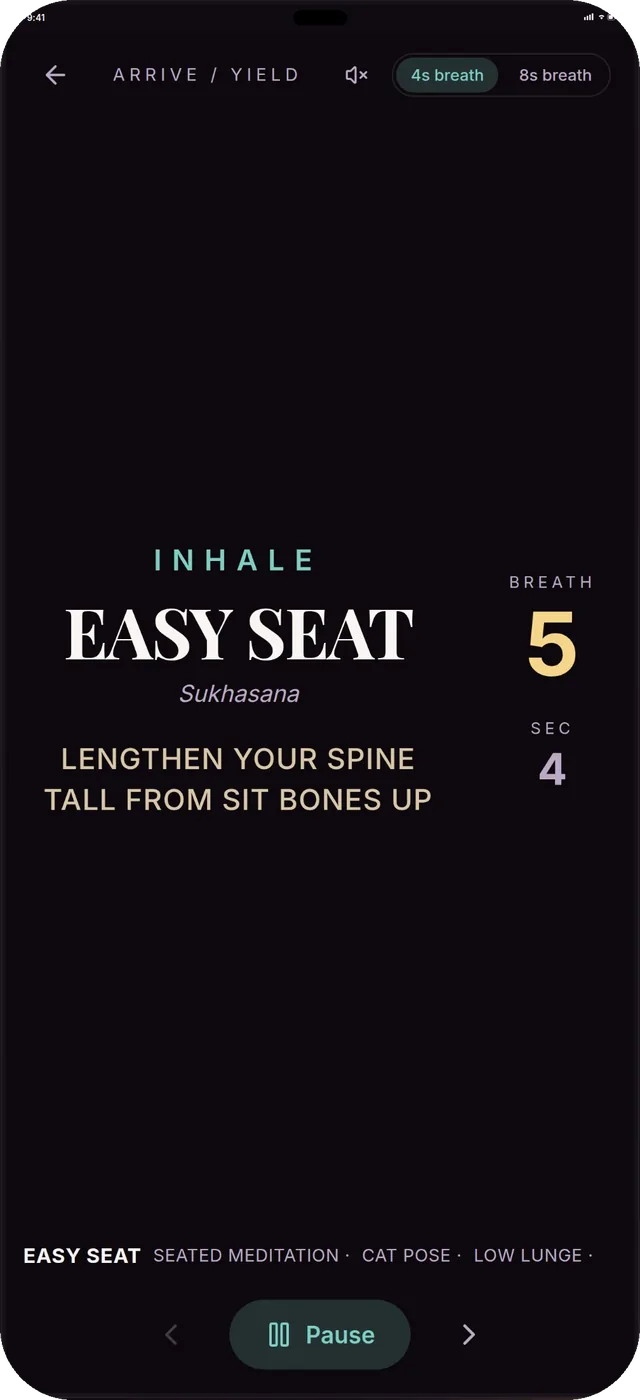
Flow Prompter puts the pose, the breath count and your cue in big type. Prop your phone and teach.
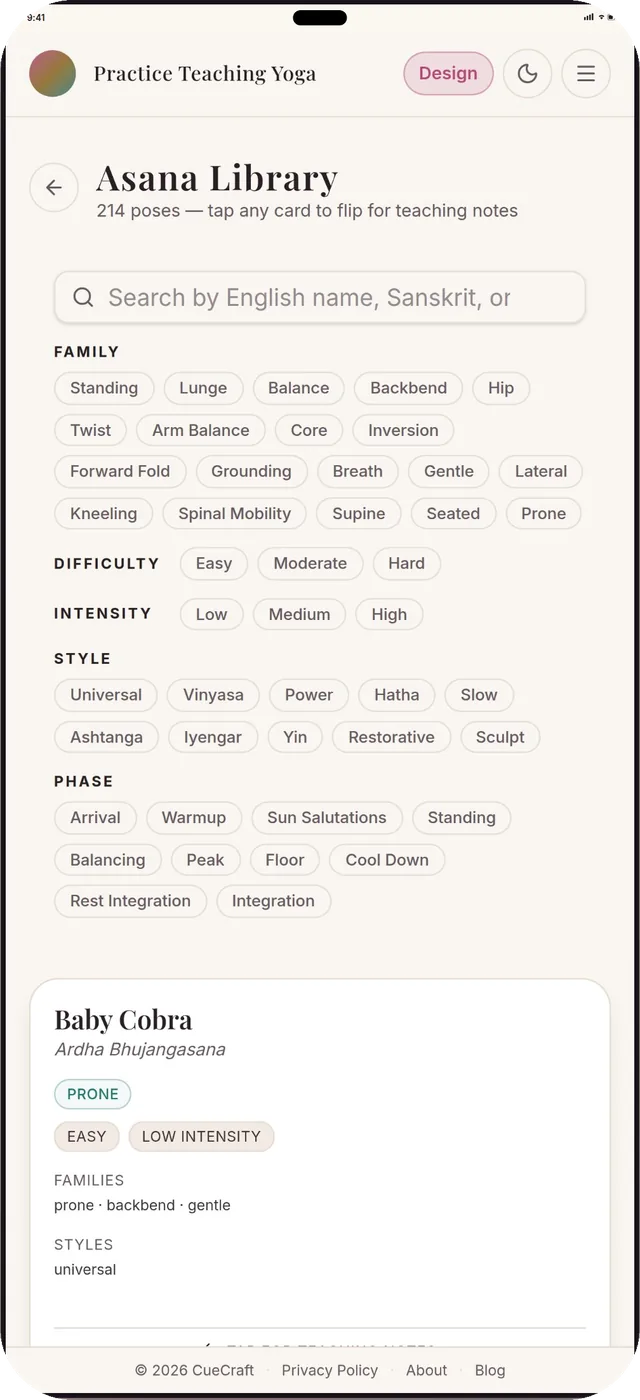
Sort by family, difficulty, intensity or phase. Flip a card for the teaching notes.
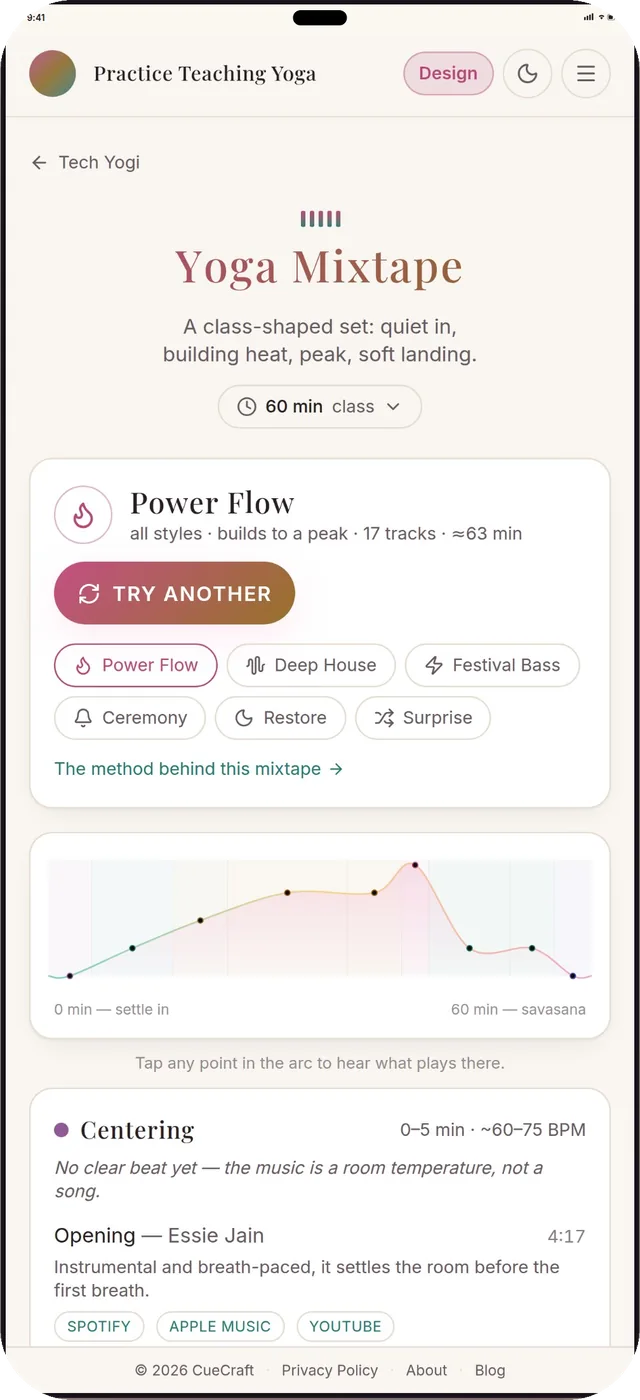
Quiet in, building heat, a peak, a soft landing. Pick a vibe and get a timed track list.
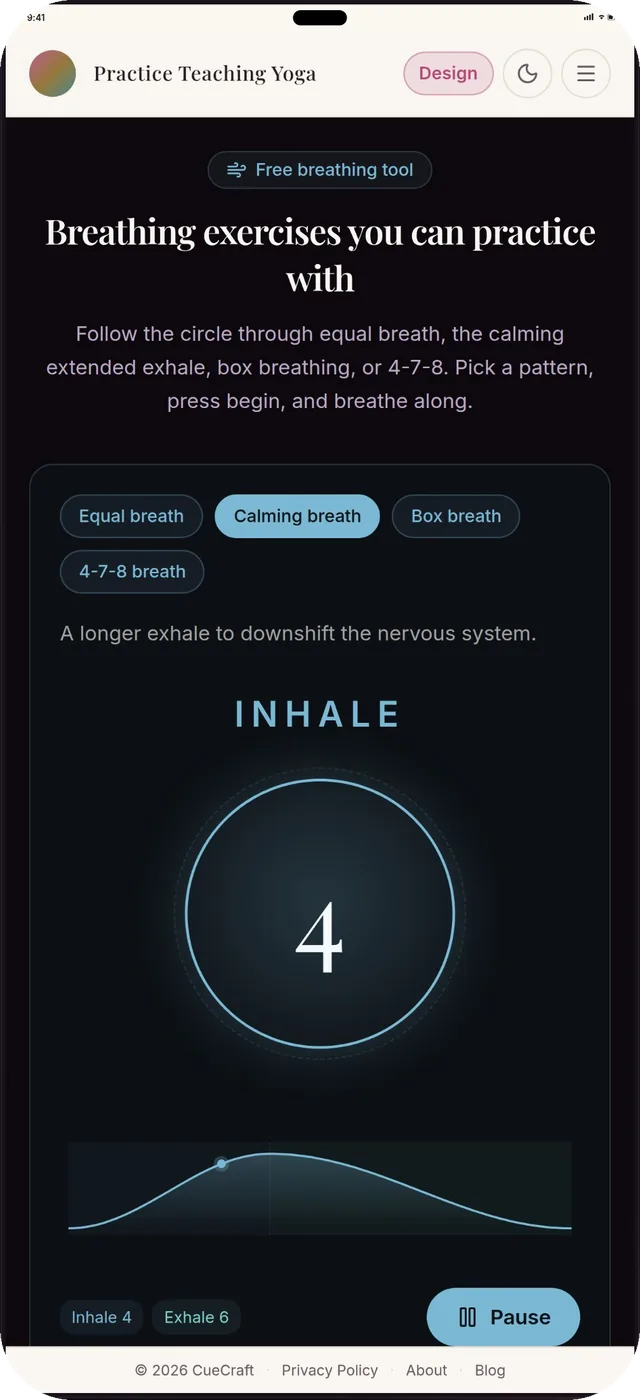
Equal breath, box breathing, 4-7-8, a long calming exhale. Press begin and follow the circle.
Screens shown are from the CueCraft web app at phone size. They'll be swapped for native app screens at launch.
Phone and web, one account
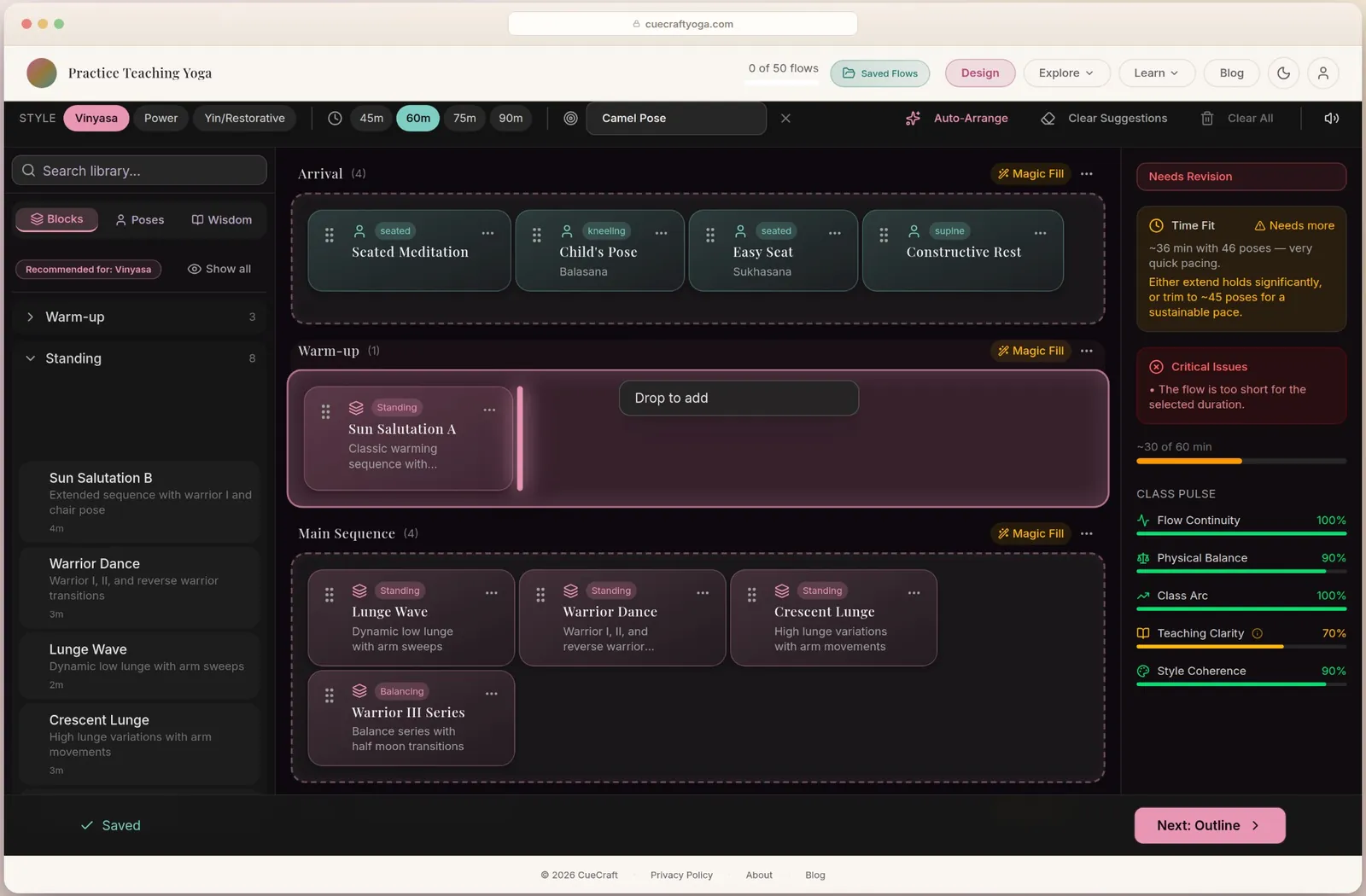
The Visual Designer is drag and drop, with a live score for flow, balance and class arc. It's built for iPad and the web. Start a plan anywhere and finish it where it's comfortable.
How it works
Choose the pose, the style and how long you have.
A full arc with transitions, cues and timing, ready to read.
Keep it in your library, rehearse it, and walk in ready.
From the maker
I’m a dedicated yoga practitioner with a 500-hour certification and training and practice around the globe. I built CueCraft to help turn a class idea into a sequence you can rehearse: review the cues, work through the transitions and follow the timing before teaching. Planning and practicing how to teach belong together.
Taylor, creator of CueCraft. Read how it started
Under the hood
Questions
iPhone and Android releases may arrive at different times. Store links appear here when each version is available. You can request a launch notification by email.
Free to download and try. Premium features unlock with a subscription billed through the App Store or Google Play. You can cancel any time in your phone's settings, and the price is shown in the app before you're charged.
Yes. Android is coming to Google Play. Each platform will launch when its store release is ready. Until then the web app works on any phone with a browser.
No. The app stands on its own. The web app is there when you want a bigger screen, and it uses the same account.
Yes. Sign in with the same account on both and your flows follow you. Start on the couch, finish at the laptop, teach from your phone.
Yes, the Visual Designer is made for the iPad's bigger screen. Open the web app in Safari on your iPad, drag phases around and watch the class score update. It uses the same account as your phone.
Open CueCraft on the web to work on your next class, from the first cue to the final transition.
Open CueCraftOptional iPhone and Android release updates. Each platform may launch at a different time.